Claude Code on iPhone: run it on your own server
Short answer: yes. Claude Code is a terminal tool, so the practical way to use it from a phone is to run it on a server and connect from your iPhone. ServerCC is an iOS app built for exactly this — it opens an SSH connection to your own machine and gives you a real terminal, tuned for running Claude Code and Codex.
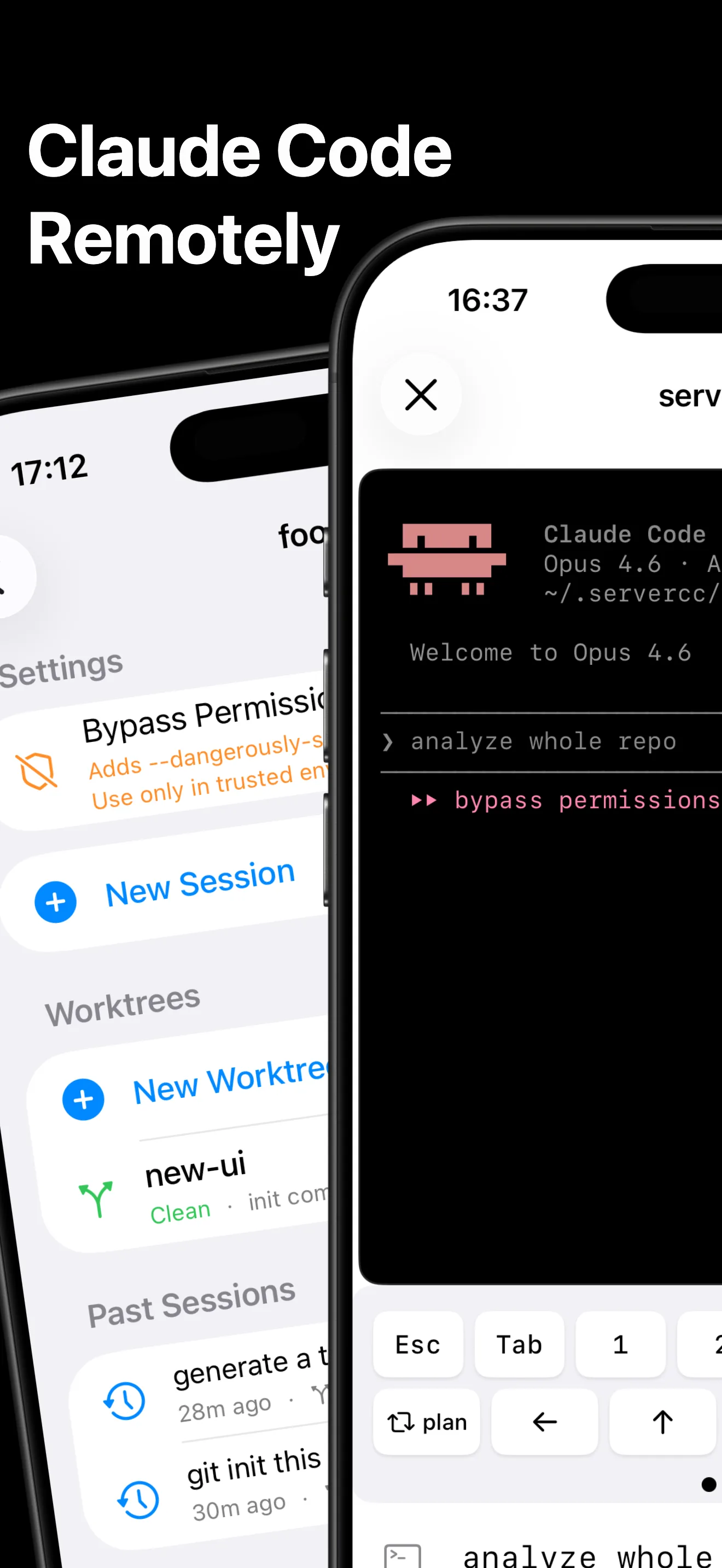
The two ways to use Claude Code from a phone
Anthropic's official Claude app offers Remote Control, which lets you steer Claude Code sessions from your phone through Anthropic's infrastructure. It is the fastest way to check on a session you started elsewhere.
The SSH approach — what ServerCC does — connects straight to your own server instead. That difference matters if you want:
- A full terminal, not a remote control. Run any command — git, tests, editors, deploy scripts — in the same session as Claude Code.
- Sessions that survive anything. ServerCC runs agents inside tmux on your server, so closing the app, losing signal, or switching networks never kills a run.
- Your infrastructure, your rules. Works with any SSH server — VPS, home lab, air-gapped networks via built-in Tailscale. Nothing routes through a third-party relay.
- Codex too. The same app runs the OpenAI Codex CLI with equal support.
Five-minute setup
Install ServerCC from the App Store
Free to download, works on iPhone and iPad.
Add your server
Host, user, and a password or SSH key — encrypted keys are supported, and everything is stored in the iOS Keychain. See Server Management and SSH Keys.
Open a workspace and go
Point ServerCC at a project directory (or clone one), tap Claude Code, and the agent starts inside a persistent tmux session. The Quick Start covers the details.
What you get beyond the terminal
- Agent View — run parallel Claude Code instances and supervisor-managed bg sessions
- Git diff review — read what the agent changed, GitHub-style, before you commit
- SFTP file browser, HTTP port preview, and VNC remote desktop
- Completion notifications when a long agent run finishes — see Background & Parallel
FAQ
Is there an official Claude Code mobile app?
Anthropic's Claude app includes Remote Control for steering sessions from your phone. ServerCC is independent and takes the SSH route to your own server — see the comparison above, or the full breakdown in Remote Control vs SSH.
Does my computer need to stay on?
No — Claude Code runs on whatever server you SSH into. Your iPhone is just the window; close it and the tmux session keeps working.
What does it cost?
ServerCC is free to download with core features included; a Pro upgrade unlocks the full toolset. Claude Code itself runs under your existing Anthropic plan on your server.